Smart Board Price: Complete Buying Guide for Schools, Offices and Businesses – DeltaView
October 28, 2026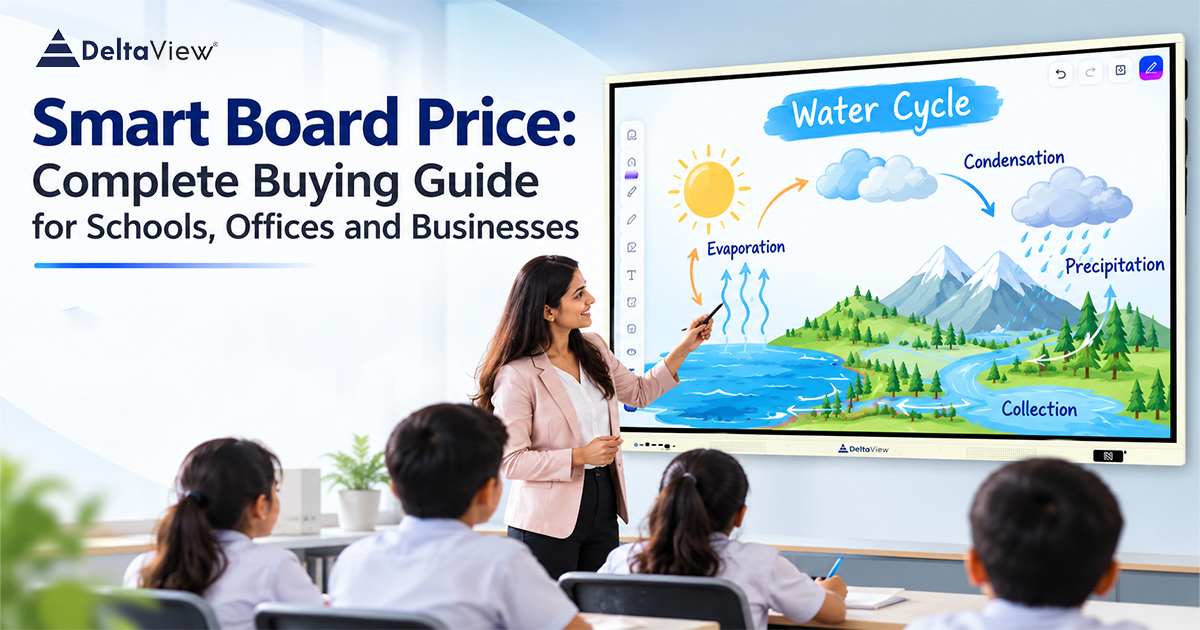
Technology has transformed the way we learn, teach and communicate. As a result traditional whiteboards and projectors are becoming replaced with interactive displays. To upgrade your classroom, conference room or business you should know about smart board price. DeltaView provide interactive displays to help educational institutions, corporate organisations and professionals. However, there are certain features to look out for when buying an interactive display.
Below we have provided you with everything you need to know about smart board prices.
What Is a Smart Board?
A smart board is an interactive display that can be used for writing, drawing, presenting, annotating and interacting. This display uses touchscreen technology, computing and multimedia features.
Modern interactive displays can be connected to laptops, computers, mobile phones and other devices. This means you can use them for presentations, learning, video calling and note taking.
Smart boards are a great tool to use in classrooms, training centres, meetings and corporate offices.
Smart Board Prices in India
The price of a smart board cost in India will often depend on the size of the screen, resolution, touch technology, operating system, connectivity and other features.
Some smart boards offer basic touch features whilst others have more advanced features such as; computing, loudspeakers, wireless screen sharing and multiple connections.
You should not simply go for the cheapest option but look at the technical features, quality, warranty and support.
DeltaView provide interactive displays with modern technology.
Factors To Consider When Choosing a Smart Board
To help you make an informed decision when choosing a smart board display take a look at the factors below.
Screen Size
One of the main factors to consider when looking at smart board prices is the size of the screen. Interactive displays come in a variety of sizes to suit your classroom, conference room or training centre.
If you have a small meeting room you may want to go for a smaller interactive display. Whereas if you have a large classroom you may want to go for a larger display.
Consider the size of your room, how far away you will be from the screen and how many people will be using it.
Resolution
The resolution of the display will affect how sharp and clear your content will be. Some displays have full HD whereas others have 4K.
Displays with high resolutions are great for presentations which require intricate diagrams, videos, spreadsheets, technical drawings and other visual learning resources.
This will give you a clear display to view.
Touch Technology
Many interactive displays now have multi-touch technology. This lets you interact with the screen with multiple people.
Features such as accurate touch, smooth writing and palm rejection can be beneficial.
The quality of the touch should be looked at by institutions.
Operating System
Displays with an operating system will let you use apps, browse the internet, view presentations and more.
Some interactive displays also have Android based apps, Windows and specific learning apps.
This can affect the smart board price as some may have extra features such as software, computing and advanced collaboration features.
Connectivity
Connectivity will determine how easy it is to connect to external devices.
Features to look for include;
HDMI – External screen/laptop connection.
USB – External storage.
Wi-Fi – Wireless.
Bluetooth – Compatible accessories.
Screen Mirroring – Wireless.
LAN – Network.
Multiple connections means the display will be very versatile.
Key Features To Look Out For
When choosing the right interactive display it is important to consider what features will help you. Below are some key features to look out for.
Good Quality Display – A display with high brightness, colour and resolution.
Multi-touch – Multiple touch points so teachers, students and team members can collaborate.
Wireless Screen Sharing – Share content from compatible laptops, tablets and mobile phones.
Loudspeakers – An easy way to use multimedia and video calls.
Annotate – You can write, highlight, draw and save notes.
Multiple Connections – Multiple ports and wireless.
Installation Support – Good installation, warranty and technical support.
Considering these factors along with the smart board price will help you find the right solution.
Advantages Of Smart Boards In Classrooms
More educational institutions are using interactive technology to improve their teaching.
A smart board for your classroom has many benefits including;
Interactive – Teachers can explain complicated topics with videos, animations, diagrams and presentations.
Engaging – Students can interact with the screen by writing, drawing and problem solving.
Online Learning – Educators can use online learning resources and educational apps.
Save Time – Teachers can create, view and save digital notes.
Collaboration – Easy to work in groups.
Overall interactive displays can be a great addition to any educational set up.
Why Choose DeltaView Interactive Displays?
Choosing the right partner can be just as important as choosing the right product. DeltaView provide interactive displays to help modern classrooms, corporate offices, training centres and more.
They focus on providing functional displays with easy to use technology and modern features.
Institutions and organisations can look into the interactive displays available to them based on their needs, current set up and what they want to use it for.
Whether you need it for teaching, presentations or training you can look into the models available to you. This will help you find the right solution.
Look at the specifications, installation, warranty and technical support when considering the smart board price.
How To Choose The Right Interactive Display For Your Budget
To start with you should have a clear idea of what you want the interactive display for.
Follow the steps below to help you make an informed choice.
- What Will It Be Used For?
Decide if you will be using it for education, business meetings, presentations or training.
- What Size Do You Need?
Choose a display that is the right size for your room and audience.
- Look At The Specifications – Resolution, touch, operating system, storage and connectivity.
- Software – Ensure it has the software you regularly use.
- Warranty – Know what the warranty covers, what installation support is available and what technical support is available.
- Product Demo – Try the product out to see how easy it is to use.
By considering these factors you can find a solution that will provide long term value.
Is A Smart Board Worth It?
Investing in an interactive display can help you communicate, collaborate and be more productive.
In educational institutions you can use it for digital learning. In corporate offices it can help you present, brainstorm and discuss with your team. In training centres you can provide an engaging and visually effective learning experience.
Although it can be a bit more expensive than a traditional whiteboard the extra features can provide great long term benefits.
It will depend on how often you will be using it, what features you need and how it fits with your organisations goals.
Conclusion
Knowing about smart board prices will help you upgrade your classroom or workplace with interactive technology. The size, resolution, touch, software, connectivity and support will all affect your decision.
Don’t simply look at the price but consider the features, ease of use and long term value.
DeltaView aim to provide interactive displays to help modern educational and professional environments. They can help you teach, present and collaborate more effectively. Look into the models available, compare the specifications and choose an interactive display that fits your needs and budget.