AI Smart Board for Classroom: How Technology Is Transforming Modern Education
September 30, 2026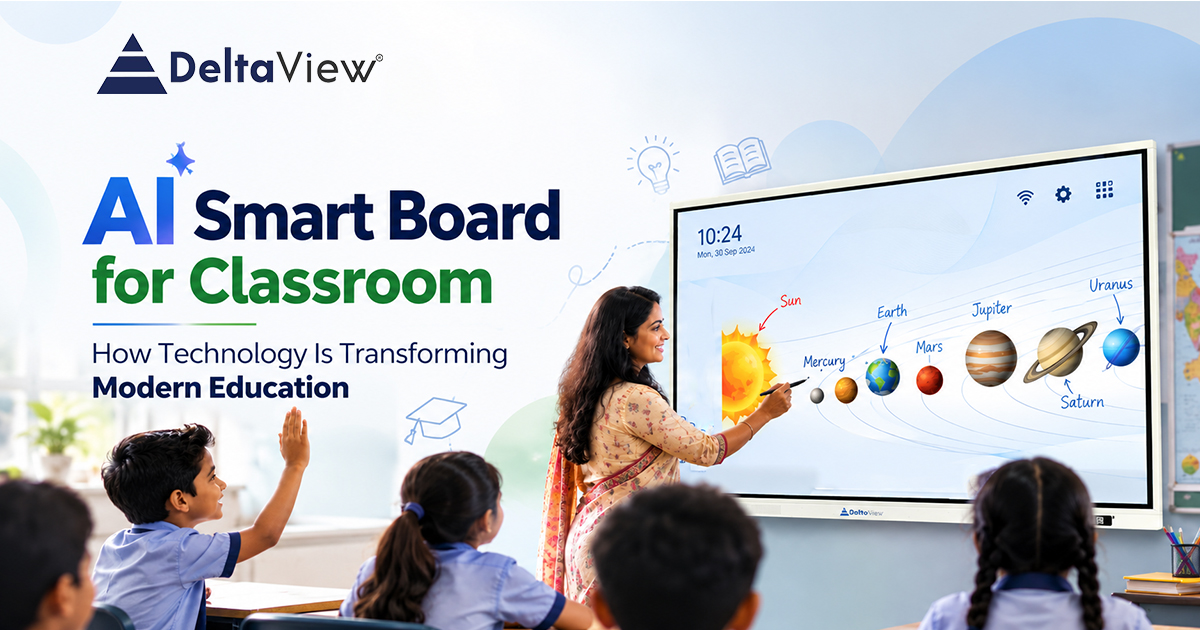
Technology has become a part of everyday life, and classrooms are changing along with it. Traditional blackboards, textbooks, and projectors are still useful. Teachers today have access to many more ways to explain and present a lesson.
Students are already familiar with videos, content, online learning platforms, animations, and interactive applications. Bringing some of these tools into the classroom can make lessons easier to understand and more engaging.
This is where an AI Smart Board for the Classroom can make a difference.
An AI Smart Board combines an interactive display with digital content, touchscreen functionality, multimedia, connectivity, and AI-powered tools. Of simply displaying information, it allows teachers and students to interact with the lesson.
A teacher can write on the screen, display a video, explain a diagram, open a resource, or involve students in an activity without constantly switching between different devices.
What Is an AI Smart Board for Classrooms?
An AI Smart Board is a digital display designed to support teaching and learning in a modern classroom.
Unlike a blackboard or whiteboard, a smart board allows teachers to work directly with digital content. They can write notes, draw diagrams, open presentations, play videos, access websites, and use interactive applications from the same screen.
The addition of AI makes the experience more useful.
Teachers can use AI-based tools to get explanations, create or organize learning material, generate ideas, and support different classroom activities.
The purpose, however, is not to replace the teacher.
It is to give teachers a tool for delivering lessons and making everyday classroom activities easier.
Why Are Classrooms Becoming Digital?
Students are already surrounded by technology outside the classroom.
They use smartphones, tablets, computers, online learning platforms, and digital content regularly. As a result, visual and interactive methods of learning are becoming increasingly familiar to them.
This does not mean traditional teaching methods are no longer important. A good explanation from a teacher will always be valuable.
However, some topics can be understood more easily when students can actually see what the teacher is explaining.
For example, a science teacher explaining the system can display an interactive diagram instead of drawing every planet on a board.
A mathematics teacher can solve an equation directly on the screen.
A geography teacher can open a map. Explore different locations with the class.
Similarly a language teacher can use text, images, audio and videos together during one lesson.
The technology does not change what the teacher teaches.
It simply gives them ways to explain it.
How Does an AI Smart Board Make Teaching More Interactive?
One of the benefits of an AI Smart Board is the ability to make students part of the lesson.
Of sitting and listening throughout the entire class students can come to the board answer questions solve problems, complete diagrams, or participate in activities.
For example, a lesson can move from: Teacher explains → Students listen to:
Teacher explains → Students see → Students interact → Students participate
This small change can make a classroom more active.
The board becomes more than a screen at the front of the classroom. It becomes a space where teachers and students can work together.
Making Difficult Concepts Easier to Understand
Some concepts are difficult to explain using words or written notes.
Subjects such as science, mathematics, geography, biology and physics often involve diagrams, processes, formulas, maps and other visual information.
Of spending several minutes trying to describe something verbally a teacher can simply display a visual example on the smart board.
Teachers can use the board to:
Display diagrams and illustrations
Play videos
Present digital lessons
Write and save notes
Draw directly on the screen
Conduct interactive activities
Access online educational resources
Explain concepts using examples
For students who learn better through visual demonstrations this can make a lesson much easier to follow.
How AI Can Support Teachers
Artificial Intelligence is becoming a part of areas of education but using AI in the classroom does not have to be complicated.
For teachers the useful AI features are often the ones that can save time and provide quick support during a lesson.
For example a teacher may need an explanation of a topic additional examples, a summary or some ideas for explaining a concept to students.
AI-powered tools can help with these tasks.
Because these features can be accessed through the smart board teachers do not necessarily have to stop the lesson and move to another device.
The technology becomes part of the classroom of becoming another distraction.
One Screen, Many Teaching Possibilities
A classroom may require several different devices.
A laptop may be used for presentations, a projector for displaying content, a whiteboard for writing and another device for accessing resources.
An interactive smart board can bring many of these activities together.
A teacher can start with a presentation switch to a video write notes over the content open a resource and then continue the lesson. All from the same interactive display.
This can make classroom technology easier to manage. Allows teachers to spend more time focusing on their students and less time switching between devices.
Supporting Ways of Learning
Not every student learns in exactly the same way.
Some students understand a topic quickly when it is explained verbally. Others may need a diagram, video, example or practical demonstration before the concept becomes clear.
A smart board gives teachers the flexibility to use methods during the same lesson.
For example:
Explain → Show a visual → Give an example → Play a video → Let students interact
All of these can be part of one lesson.
This flexibility allows teachers to approach the topic from different angles and give students more opportunities to understand it.
Encouraging Better Student Participation
Keeping students involved throughout a lesson can sometimes be challenging.
Simply putting content on a screen does not automatically make a classroom interactive. The real value comes when students are given an opportunity to participate.
With a smart board teachers can ask students to come forward and:
Solve a problem
Write an answer
Complete a diagram
Identify an object
Take part in a quiz
Explain their solution
Work together on an activity
When students actively participate the lesson becomes more collaborative.
They are not just watching the teacher explain something. They are getting involved in the learning process.
Smart Boards Can Be Used Across Subjects
An AI Smart Board is not limited to a subject. The same technology can be used in ways depending on what the teacher is teaching.
Mathematics
Teachers can solve equations draw graphs explain geometry and work through problems directly on the board.
Science
Diagrams, animations, videos and interactive visuals can make scientific concepts easier to demonstrate.
Geography
Teachers can use maps, charts, satellite imagery and other geographical information during lessons.
Languages
Reading material can be combined with images, audio, videos and writing exercises.
History
Photographs, maps, timelines and videos can help students connect better with events and topics.
This makes an AI Smart Board a flexible classroom tool than a device designed for just one type of lesson.
From a Smart Classroom to an Intelligent Classroom
A smart classroom is not simply a classroom with a digital screen.
The real change happens when technology becomes part of the way teachers teach and students learn.
The interactive display provides the platform. Digital content makes lessons more visual. Internet connectivity gives teachers access to a range of information and resources. AI adds another layer of support.
When these elements work together classrooms can become more flexible and interactive.
This is why modern education is gradually moving beyond simply making classrooms digital and towards making them more intelligent and connected.
Why the Teacher Will Always Remain Important
With all the discussion around AI and smart classroom technology one thing should remain clear: technology is there to support teachers not replace them.
A smart board can display a diagram.
AI can provide information.
A video can demonstrate a process.
The teacher understands the students sitting in front of them.
A teacher can recognize when students are confused explain a concept in a way slow down when necessary or encourage a student who is struggling.
That human interaction remains at the heart of education.
The best use of classroom technology is therefore not to take the teacher out of the equation but to give the teacher tools to work with.
What Does the Future of Classroom Learning Look Like?
Education will continue to become more digital, interactive and connected.
Smart classrooms are already moving beyond projectors and digital displays. Interactive panels are increasingly being used as classroom tools for writing, presenting, collaborating accessing online resources and using digital learning applications.
Adopting new technology should not simply be about following a trend.
The important question is whether the technology actually helps teachers and students.
An AI Smart Board for Classroom can bring together the familiarity of a board with the possibilities of modern digital technology.
It gives teachers ways to explain concepts and gives students more opportunities to interact with what they are learning.
Final Thoughts
The modern classroom is no longer limited to a blackboard, textbook and lecture.
Teachers can now combine presentations, videos, diagrams, digital notes, online resources and AI-powered tools within a classroom environment.
Students can see concepts clearly interact with lessons and take a more active role in classroom activities.
That is what makes an AI Smart Board more, than a large digital display.
It becomes part of the teaching experience.
At DeltaView the focus is on classroom solutions that help make teaching more interactive, visual and technology-enabled while keeping the teacher at the centre of the learning experience.
Because the future of education is not about technology replacing teachers.
It is about using technology to help teachers teach better.
FAQs
An AI Smart Board is a digital display that combines touchscreen technology, multimedia content, digital teaching tools, connectivity and AI-supported features to create a more interactive classroom experience.
Teachers can use it to write, draw, display presentations play videos, access resources and conduct interactive activities from one screen. AI features can also provide support during lessons.
Yes. Students can use the screen for activities such as solving problems writing answers completing diagrams participating in quizzes and working on classroom exercises.
Yes. Smart boards can be used for mathematics, science, geography, languages, history and many other subjects. The way the board is used can simply change according to the lesson.
No. The purpose of an AI Smart Board is to support teachers by providing digital and interactive tools, for teaching.