DeltaView: India’s Trusted AI Digital & Smart Boards
October 23, 2026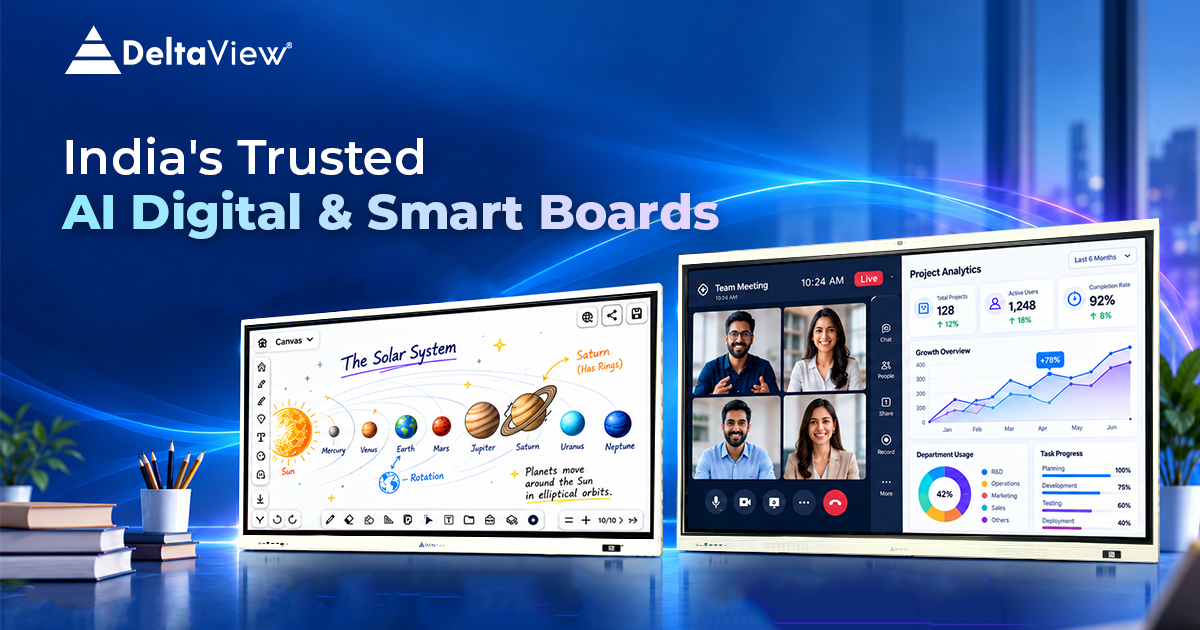
The fast-changing world has changed the way people learn, teach, and collaborate, and technology plays a significant role in this change. Classrooms are getting more interactive, businesses are leveraging digital meeting solutions, and education organizations are discovering smarter methods to share information. One of these innovations that have been useful in the world of communication is interactive digital boards. To assist these transformative learning experiences and productiveness within India, DeltaView smart boards are providing digital solutions that enable these.
- India’s Trusted AI Digital & Smart Boards
- What are some reasons to prefer DeltaView Smart Boards?
- How to increase the interactivity of classroom learning.
- This can be helped by smart boards for classroom activities in a number of ways.
- Using digital tools to support teachers. Digital tools to support teachers.
- Enhancing Digital Collaboration and Digital Learning Outcomes
India’s Trusted AI Digital & Smart Boards
The Deltaview smart boards are a modern solution to information display, participation, and presenting more dynamic presentations. Smart board technology can be introduced to any school, college, or training center or in the corporate office to make it easier to present, understand, and discuss information.
Educators should grasp the role of smart boards in contemporary education. An educator must be knowledgeable about the smart board’s place in the education of today.
Blackboards, whiteboards, books, and print have been the cornerstone of traditional teaching methods for a long time. These tools are still relevant, but digital technology is adding new opportunities to teach hard topics and engage students.
An interactive board is a digital board that can be used for writing, drawing, annotating, and presenting content through the use of the touch screen. Depending on the model and software (included in purchase), users can present videos, educational applications, presentations, and online resources.
A smart board for classroom use can enhance learning by providing a visual explanation and interacting with it. Teachers can take the help of diagrams, animation, images, and digital exercises to explain concepts from various angles other than only spoken and written instructions or notes.
The teacher can, for instance, show a science teacher visual diagrams of the water cycle, or a mathematics teacher can solve the equations directly on the screen. These activities will facilitate the bridge between theoretical information and visual examples and classroom discussion.
What are some reasons to prefer DeltaView Smart Boards?
There are more factors to consider than simply picking a display when it comes to selecting the right digital board. Schools require technology that aligns with how they educate, the technology available, and their day-to-day needs.
The Deltaview smart boards can be seen as part of a larger campaign of building tech-savvy learning and working spaces. To find a model, they will consider the display quality, touch responsiveness, software compatibility, connectivity, ease of use, and technical support they can access.
A properly chosen interactive board can provide a way for teachers to share information in an orderly fashion and provide students with greater opportunities to engage in learning. The same technology can be used in the professional environment for presentations, brainstorming sessions, training programs, and collaborative discussions.
Individual DeltaView models vary in terms of specifications and what features they offer; each institution should check the specifications of each model to understand what is available and what meets their needs.
How to increase the interactivity of classroom learning.
Student involvement is a determining factor in good teaching. The classroom becomes more collaborative when students interact with lesson materials, answer questions, can solve problems, and can contribute their thoughts.
This can be helped by smart boards for classroom activities in a number of ways.
-
Visual learning experiences
Use charts, photos, maps, diagrams, and videos to make subjects more understandable to teachers. When introducing new concepts and/or showing processes that are hard to describe with words, visual content can be very helpful.
-
Active student participation
Students can interact with a problem to solve it, label a diagram, organize information, or finish a learning activity. These activities provide opportunities to students to demonstrate their understanding rather than merely listening to explanations.
-
Flexible lesson delivery
Digital content can be made adaptable with regard to subject matter and rate of progress. Teachers can use written notes, multimedia, and interactive exercises and do not need to change teaching equipment.
-
Easy to take notes and make changes to.
If it is supported by the board’s software, teachers can record notes and annotations and then review them for revision. This can minimize repetition of explanations and aid continuity between lessons.
-
Collaborative activities
Students can be encouraged to share ideas at group assignments, quizzes in the classroom, and problem-solving. An interactive display can be used as a shared space that learners can look at and collaborate on a solution.
The benefits rely on the effectiveness of the use of technology in teachers’ lesson planning. The board should support good teaching, rather than take the place of meaningful teaching.
Using digital tools to support teachers. Digital tools to support teachers.
Concepts may need to be explained again in multiple ways, as teachers often find that they need to explain the same concept to students in different ways because of the different needs of the students. Digital teaching tools can be used to supplement your current text-based lessons to give you more flexibility to integrate images, demonstrations, and interactive activities into a single lesson.
The DeltaView smart boards are a digital center of presentation and interaction for a digitally equipped classroom. Organize lesson content, annotate content on the display, and present step-by-step explanations, depending on the functions of the device.
Digital boards can also offer more structure to classroom conversations. Key points can be highlighted on screen, and visual examples can stay on screen whilst students ask questions or complete an exercise.
In order to adopt digital teaching for the first time, the teachers should be trained appropriately. Knowledge of available tools enables teachers to be confident in using the technology and not to be interrupted during lessons.
Applications Beyond Schools
While education is one of the most common applications of interactive whiteboard, they can also be used in professional settings for communicating.
Digital boards are perfect for colleges and universities for lectures, demonstrations, and collaborative research discussions. Multimedia explanations can be used as part of coaching sessions in coaching institutes or training centers.
Interactive displays in offices can be used to help with project reviews, employee training, presentations, and planning meetings.
Enhancing Digital Collaboration and Digital Learning Outcomes
One more benefit of interactive technology is that it integrates teaching resources and classroom activities into one. Combining written explanations, visual examples, presentations, and interactive exercises on one screen with suitable Deltaview smart boards allows for more organized lessons. This technique may be useful for teachers to use when running lessons and to keep students engaged during the lesson.
Digital boards can also augment various teaching approaches. Pictures and demonstrations are helpful to some students for understanding their concepts, while others are better helped by written explanation and practical problem solving. Smart boards for classroom activity provide extra options for teachers to present the same topic in different ways, meeting various learning styles.
The other is that it gives them the chance to use less printed teaching material for some activities. If digital resources are available, the teacher can show appropriate information directly, add annotations to key points, and review saved materials if appropriate—when software allows. This can make revision sessions easier and aid students to follow the flow of a lesson.
If the institution is in the process of upgrading classrooms, there should be adequate training and regular assessment of interactive technology. With proper knowledge of the effective use of digital tools, smart boards can serve as valuable learning tools that foster engagement, enhance lesson management, and promote collaborative learning.