Smart Board for Teachers: Transforming Modern Education with Deltaview
October 29, 2026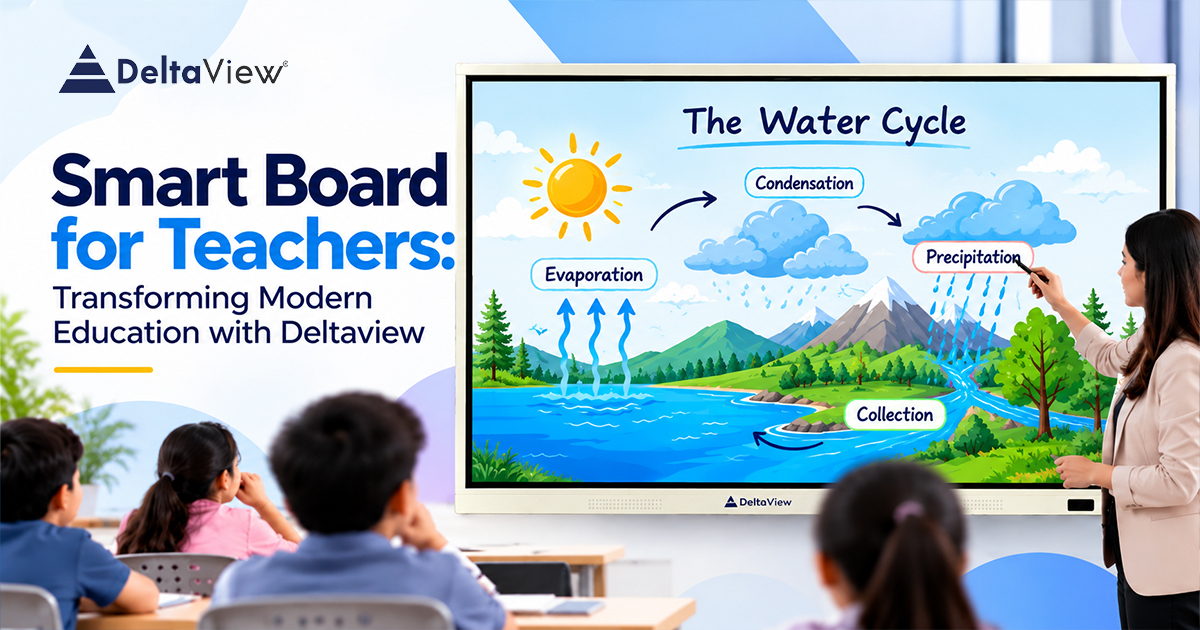
Introduction
Education is becoming a more tech-driven industry. Whilst traditional methods are still very useful, interactive methods are becoming much more essential for a modern learner. Digital displays, multimedia and interactive learning tools are being used to create more dynamic learning experiences. A smart board for teachers can be a great addition to the classroom. It is an interactive display that can be used to explain concepts, show multimedia, take digital notes and encourage students to be interactive. This can help to create a more versatile and engaging learning environment.
Deltaview have digital displays that can be used to help create a modern learning environment. They can help schools to explore new ways to share knowledge.
What is a smart board for teachers?
A smart board is an interactive display used by teachers to present teaching, take notes/annotate and interact with digital resources. Depending on the model, they can be touch sensitive, play multimedia, have wireless screen sharing, digital whiteboards and can connect to computers.
Unlike a traditional whiteboard, an interactive display can be used to display text, images, videos, presentations and educational tools. This means that a teacher can easily switch between activities.
A smart board for teachers can be a great tool to use in primary schools, secondary schools, colleges, coaching institutes and training centres. A teacher can tailor their lessons to suit different learning styles and create a more visual and interactive learning environment.
With Deltaview, schools can explore digital displays that can be used alongside their current teaching methods.
Benefits of using a Smart Board for teaching
- More interactive
Engaging learners can be very important to create effective learning. If a lesson is purely based around lectures and books, some learners may struggle to stay engaged. Using an interactive display can help.
Teachers can get students to solve problems, annotate diagrams, answer questions, organise information and take part in classroom activities. This means learners will be more involved.
A smart board can also be used to help teachers explain whilst demonstrating.
- Explaining complex ideas
Sometimes having visual resources can help learners to understand an idea. Maths, Science, Geography and Computer Studies often require diagrams, animations, charts and videos.
A Science teacher can explain the water cycle with an animation. A Maths teacher can demonstrate geometric concepts with digital drawings. History can have maps, timelines and historic images.
Using Deltaview interactive display solutions can help teachers to find the right digital resources. This can help to explain abstract ideas.
- Saves preparation time
Teachers often spend a lot of time creating notes, presentations, worksheets and resources for lessons. Using digital teaching tools can help teachers to keep everything in one place.
Depending on the software and set up, teachers can easily open pre-prepared presentations, annotate, save notes and refer back to previous resources. This can save teachers from having to re-write the same information.
A well planned smart board for teaching can help a teacher to create an organised teaching style and gives them more time to focus on explaining concepts, answering questions and supporting individual learners.
- Different learning styles
Students all learn in different ways. Some learn well from written information whilst others learn better from visual resources, verbal instructions or hands-on activities.
Interactive displays in the classroom can help teachers to provide a range of learning styles. Notes can be provided with images, recordings, videos and interactive activities.
This means teachers can provide information in different formats. They can also tailor their teaching to suit the needs of their class. They can also refer back to tricky concepts with alternative explanations.
Why use a Smart Board in the classroom?
A smart board can help students to work collaboratively.
Collaborative
Working in groups can have more engagement when using a shared display. Students can add answers, organise information, annotate diagrams and present their findings.
This encourages communication, working as a team and critical thinking. Teachers can also help to guide discussions.
Easy access to digital resources
Having a digital display can help teachers to use websites, e-books, presentations, diagrams and multimedia in their lessons. As the topic is being taught, teachers can provide relevant information.
Depending on the set up of the display and other devices, teachers can have internet access, compatibility with apps and connectivity. With the right set up, this can help to provide a wider range of resources.
Create a modern learning environment
Using a tech driven classroom can help prepare students for a more digital future. Students can become familiar with using digital presentations, interactive apps and working collaboratively. This can help them develop useful tech skills.
Deltaview can help schools to use interactive displays in their learning environment. Whilst using interactive displays, teachers can still provide guidance, structure and meaningful interaction.
Things to consider in an interactive display
Schools will need to consider how they want to use the display in their teaching. The size of the class, budget and tech environment will also need to be considered. Things to look out for include:
Touch sensitivity – Having an interactive touch screen can make taking notes, drawing and interacting with the resources easier.
Quality – Having the right resolution, brightness, viewing angles and size can help to make sure the resources are easy to read.
Connectivity – Having HDMI, USB, wireless screen sharing and network can help to connect to existing resources. This will depend on the model.
Compatibility – Teachers will need to check if it works with their preferred presentation tools, educational apps, files and operating system.
Simple to use – Having an easy to use interface can help to reduce the learning curve.
Support – Having support with setting the display up, warranty, maintenance and staff training.
Before choosing a Deltaview solution, schools should check the specification of the relevant model.
How can teachers use a Smart Board?
An interactive display can be used for a variety of activities in the classroom. Teachers can plan how they want to use it to deliver the desired outcome.
Maths can be explained with step-by-step equations, fractions and geometric shapes. Science can have annotated diagrams, video explanations of experiments and visual explanations. Language can be explained with digital text, highlighted vocabulary and reading activities. Geography can have maps, climate charts and landscape images. History can have timelines and primary sources.
A teaching smart board can also be used for quizzes, revision, presentations and group discussions. These can be tailored to suit different ages and academic requirements.
The tech can be most effective when paired with clear explanations, the right resources and engaging students.
Why Deltaview is a great choice for modern education
Schools will need to have the right technology to help them achieve their teaching goals. Deltaview focuses on providing digital displays that can help schools and learning centres to create a more interactive learning environment.
When considering Deltaview, schools should look at the features of the display, touch, compatibility, set up and support. Comparing these to what they need in the classroom can help to choose a piece of equipment that will provide value.
Teachers should be given enough support to feel confident using the features. Quick training sessions, help with planning lessons and sharing teaching ideas can help teachers to use the interactive technology.
With careful consideration, a smart board for teachers can be a great addition to a digital learning strategy. It can help teachers to provide a more visual explanation, group activities and organised lessons.
Conclusion
Interactive digital displays are changing the way teachers present information, encourage engagement and organise activities. They can help teachers to explain difficult concepts and create interactive group projects.
A smart board for classroom can help teachers to provide a mix of traditional teaching with multimedia, interactive activities and group discussion. However, the best benefits will be seen when paired with effective teaching, training and the right educational resources.
Deltaview can help schools and educational institutions to explore modern interactive displays. By choosing the right technology and using it purposefully, teachers can create engaging learning experiences that encourage curiosity, engagement and a better understanding of concepts.
Investing in the right digital teaching tools can be a practical way to modernise your classrooms.