Stylus Pen for Smart Board – The Complete Guide to Choosing the Best One
November 28, 2025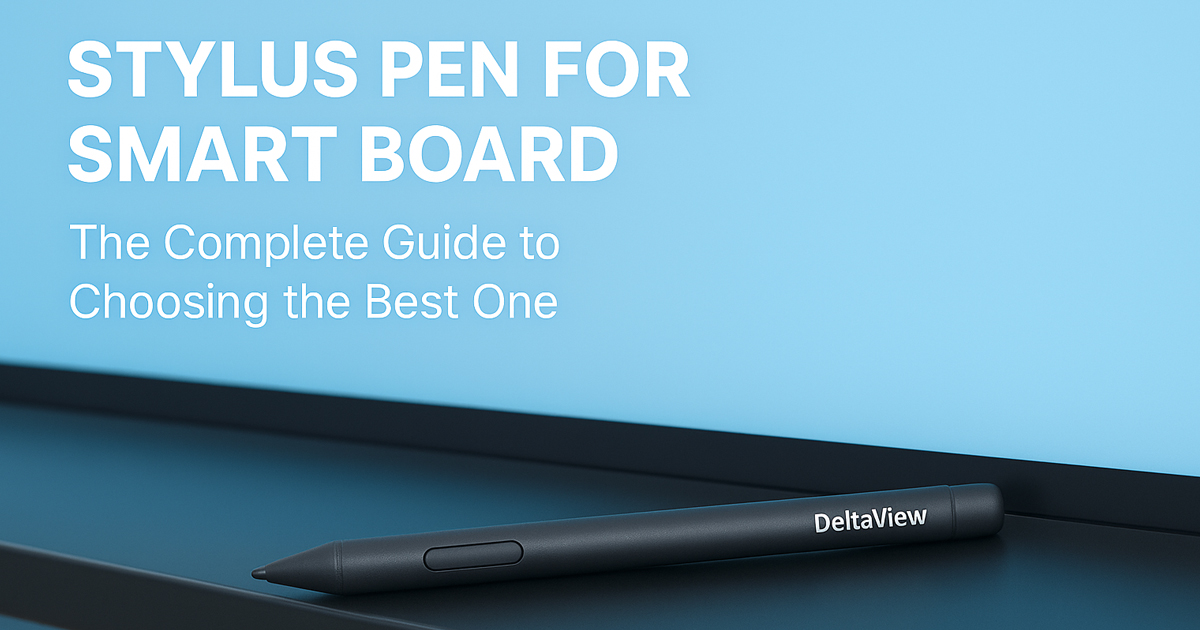
If you’ve ever stood in front of a smart board with a class full of students waiting for you to write something, you already know how important a stylus pen actually is. On paper, it’s just a small tool. But when the whole lesson depends on smooth writing and quick annotations, this tiny pen suddenly becomes the hero of the session. Over the past few years, especially with brands like DeltaView becoming common in schools and training centres, the stylus has gone from being an accessory to a necessity.
Most teachers I’ve spoken to say the same thing: “A good stylus makes you forget you’re writing on a screen.” And honestly, that’s the whole point.
What a Stylus Pen Really Is (in Simple Words)
A stylus pen for a smart board is basically a digital version of your pen or chalk—just much cleaner and far more accurate. Instead of smudges or dust, you get neat lines. Instead of pressing hard, you glide your hand lightly. The board reads every movement instantly. Some stylus pens are very basic, while others are smart enough to sense pressure, speed, and even the angle of your hand.
DeltaView smart boards mostly use advanced active stylus pens, so the writing feels natural instead of robotic or pixelated.
Why the Stylus Quality Makes Such a Big Difference
You might think: “A pen is a pen.”
But the moment you use a bad stylus, you realise how wrong that is.
A weak or incompatible stylus will lag, skip strokes, or create jittery lines.
And nothing irritates a teacher more than rewriting the same letter three times because the board didn’t catch it. A good stylus feels like writing on a smooth notebook. It responds instantly, which means you don’t lose your train of thought while teaching. If you’ve ever drawn a diagram and the board froze for a second—it’s usually the stylus, not the board.
A solid stylus makes the entire smart board feel better.
Why People Prefer the DeltaView Stylus
DeltaView’s stylus pens have a certain simplicity, but in a good way. They don’t try to be overly fancy. They just work, and they work well. The weight feels right—not too light, not too heavy. Teachers who use them every day say the pen feels familiar, almost like a standard writing pen.
And that matters. Because when you’re explaining a topic, the last thing you should be thinking about is whether the board will catch your handwriting.
How Writing with a DeltaView Stylus Actually Feels
If you’ve ever used one, you’ll know what I mean when I say it “glides.”
There’s no scratchy resistance or weird tapping sound. You just rest your hand lightly and write. The text appears immediately, and it looks clean—almost like your actual handwriting. It’s one of those things you stop noticing after a while because it works so seamlessly.
The comfort of writing on a DeltaView board really comes alive when you’re doing fast work—maths equations, flowcharts, corrections on PDFs, etc. No lag, no frozen strokes.
Different Stylus Types You’ll Find Out There
Stylus pens come in quite a few varieties, and honestly, their differences matter more than people think:
-
Some stylus pens are rechargeable (plug in and go).
-
Some run on small AAA or AAAA batteries.
-
Some attach magnetically to the board’s frame.
-
And then you have passive ones that don’t need power at all.
Passive stylus pens sound tempting because they’re cheap, but they’re nowhere near as accurate. DeltaView boards respond best to their own active stylus—because it’s literally made for their screens.
Why You Should Stick to a DeltaView-Compatible Stylus
Using the wrong stylus is like using the wrong charger for your phone—it might work, but it won’t work well.
DeltaView boards have sensitive touch systems, and the stylus is calibrated for that. When you use some random third-party stylus, the writing either slips or appears thicker, or sometimes the tip doesn’t catch fine strokes.
Worse, an unapproved stylus can scratch the anti-glare coating on a smart board. And repairing that is not cheap.
Real Advantages of Using a Stylus During Classes
A few benefits you notice right away:
-
Your handwriting looks cleaner, even if your natural handwriting isn’t great.
-
It’s easy to highlight and explain things in real-time.
-
Students love coming up to the board because it feels like drawing.
-
You can annotate files instantly without fumbling.
-
Lessons move faster when the writing flows smoothly.
Teachers usually tell me one big thing: writing becomes less tiring. Since the stylus glides easily, the hand doesn’t strain the way it does on old whiteboards.
Stylus Pen Price Range in India
Prices vary a lot depending on the technology. Basic touchscreen stylus pens might cost around ₹300–₹1,000. But they won’t work well on smart boards.
Smart board stylus pens—especially active ones—usually fall between ₹1,500 and ₹4,000.
DeltaView stylus pens generally sit around ₹2,000 to ₹3,500, which makes sense because of their build and precision.
How to Choose the Right Stylus Pen
When you’re searching for the right stylus, here’s what really matters:
-
It should feel comfortable in your hand.
-
The writing should appear instantly.
-
The lines shouldn’t break or look shaky.
-
It must be compatible with your smart board model.
And honestly, don’t overthink it—if you’re using a DeltaView board, the safest and most stable choice is a DeltaView stylus.
How DeltaView Makes Digital Teaching Easier
One thing DeltaView has genuinely done well is making the writing experience feel smooth and natural. With tools inside DeltaView Learn software—like shape recognition, handwriting-to-text, quick erase, dual-writing—the stylus becomes more than just a pen. It becomes part of your teaching workflow.
You don’t waste time switching tools. The board responds quickly, and the stylus lets you move through lessons effortlessly.
Taking Care of Your Stylus Pen
A stylus doesn’t need much maintenance, but a little care goes a long way:
-
Clean the tip once in a few days.
-
Don’t press too hard.
-
Store it properly (don’t throw it in bags).
-
Charge it regularly if it’s rechargeable.
-
Avoid dropping it—stylus tips are sensitive.
Treat it like you’d treat your favourite pen. That’s enough.
What the Future of Stylus Pens Looks Like
Stylus technology is evolving fast. Soon, we’ll see pens that switch tools with gestures, pens that correct your handwriting automatically, and pens that feel even closer to writing on paper. Smart boards are becoming the centre of modern classrooms, and the stylus is becoming the teacher’s main tool. It’s only going to get better from here.
Conclusion
A stylus pen might look like a simple accessory, but for teachers and professionals who use smart boards every day, it’s one of the most important tools. With a board like DeltaView, the right stylus makes teaching smoother, explanations clearer, and writing more natural. If you want a hassle-free experience, choosing a DeltaView-compatible stylus is honestly the best thing you can do. It lasts long, feels right, and works exactly the way you expect.
FAQs
Not usually. They’re made for DeltaView screens.
You can, but the writing won’t be smooth and may damage the board.
Anything between ₹1,500–₹3,500 is good for active stylus pens.
You can use your finger, but handwriting won’t look neat.
With normal care, easily a year or more—sometimes several.